> ## Content Index
> Fetch the complete content index at: https://www.nevillehobson.io/llms.txt
> Use this file to discover other available public pages before exploring further.
# Updating a Ghost Theme: Fast, Local, and Assisted by AI
- URL: https://www.nevillehobson.io/updating-a-ghost-theme-fast-local-and-assisted-by-ai/
- Published: 2025-10-19T13:46:17.000Z
- Updated: 2026-01-01T10:10:03.000Z
- Description: A practical look at how I update my Ghost theme, working locally in Docker, editing in VS Code, and uploading cleanly to Ghost(Pro) – with ChatGPT as an important coding assistant that helps keep the process calm, focused, and repeatable.
- Author: Neville Hobson
- Tags: Ghost, Studio6
I pushed a fresh theme update live to [Studio6](https://www.nevillehobson.io/) today – the kind of small, visible polish that keeps the site feeling tidy and intentional.
Because Studio6 runs on [Ghost(Pro)](https://ghost.org/pricing/?ref=nevillehobson.io) – a managed environment that limits direct server access for stability and security – the right way to customise is to work locally, prove everything, and then upload a clean theme zip.
Over the past few months, that has become second nature: [Docker Desktop](https://docs.docker.com/desktop/?ref=nevillehobson.io) on Windows 11 to manage a local Ghost installation, [VS Code](https://code.visualstudio.com/?ref=nevillehobson.io) to edit and preview, and once it passes testing, a quick package-and-upload to the hosted admin.
Calm, predictable, and confidence-building.
With that workflow in place, today’s release was straightforward. I refined link styling in the sidebar, reorganised the tags (topics) list to make discovery easier, and introduced a small ranking badge that sits neatly in the sidebar. Once local testing showed everything was behaving as expected, packaging, uploading and activating the updated theme took moments – exactly how production should feel.
[ChatGPT Plus](https://help.openai.com/en/articles/6950777-what-is-chatgpt-plus?ref=nevillehobson.io) is part of this loop. It helps me navigate options quickly, sanity-check approaches, and keep momentum when I might otherwise get stuck in the weeds.
It is not magic, though, and it is not perfect. Every so often, I need to remind it of what we have already done together, nudging it back to shared context. Still, with the right prompts and a local preview at hand, it is an essential tool that accelerates the how-to and the problem-solving.
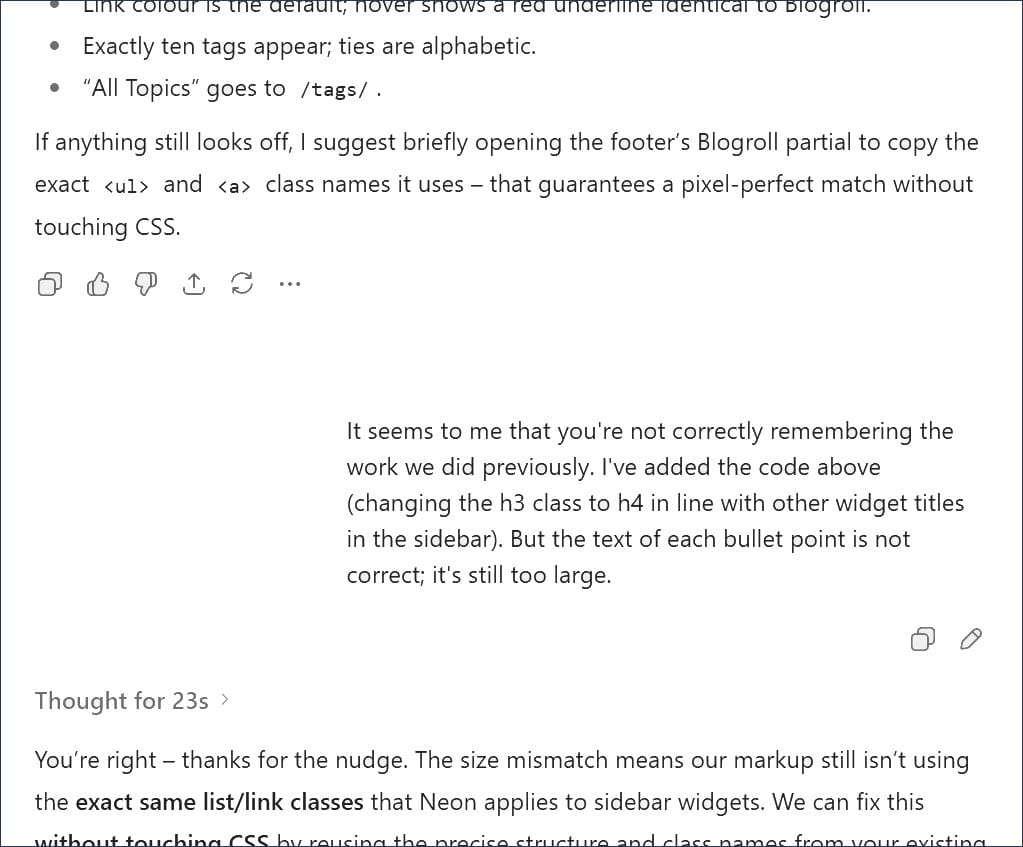
When the AI assistant forgets, a gentle reminder resets the context – part of the rhythm of co-creating with ChatGPT
If you are curious about how this approach has evolved, I captured the early phase in *Refreshing the reader experience* and followed with practical lessons in *Fixes, refinements, and lessons learned in Ghost theme development*. The same principle runs through all of it – small, safe, repeatable improvements that respect the reader.
- Refreshing the reader experience: (14 September 2025)
- Fixes, refinements, and lessons learned in Ghost theme development: (21 September 2025)
💡
****In short:** hosted Ghost keeps production safe; a local Ghost in Docker with VS Code makes iteration fast; and ChatGPT – with the occasional nudge to recall our history – helps me ship with confidence.
I have yet to find a more effective, confidence-building way to develop a Ghost theme than this setup. It lets a non-theme-developer like me make precise changes, see the results instantly, and publish without drama – all in service of a clearer, more dependable reading experience.
**Related Reading:**
- [From WordPress to Ghost: Reflections on a Fresh Start](https://www.nevillehobson.io/from-wordpress-to-ghost-reflections-on-a-fresh-start/) (31 March 2025)